If you run a website, your hosting account is one of the most valuable things you own online.
It holds your site files, databases, email accounts, domain settings, and billing information. All of it sits behind a single password. If that password is compromised, an attacker can take control of everything.
That is where two-factor authentication (2FA) comes in. It adds a second check to the login process, so even if someone gets hold of your password, they still cannot get into your account. It is one of the simplest and most effective security upgrades you can make, and every Heart Internet hosting account supports it.
What Is Two-Factor Authentication?
Two-factor authentication is a login method that requires two different pieces of evidence before it lets you in.
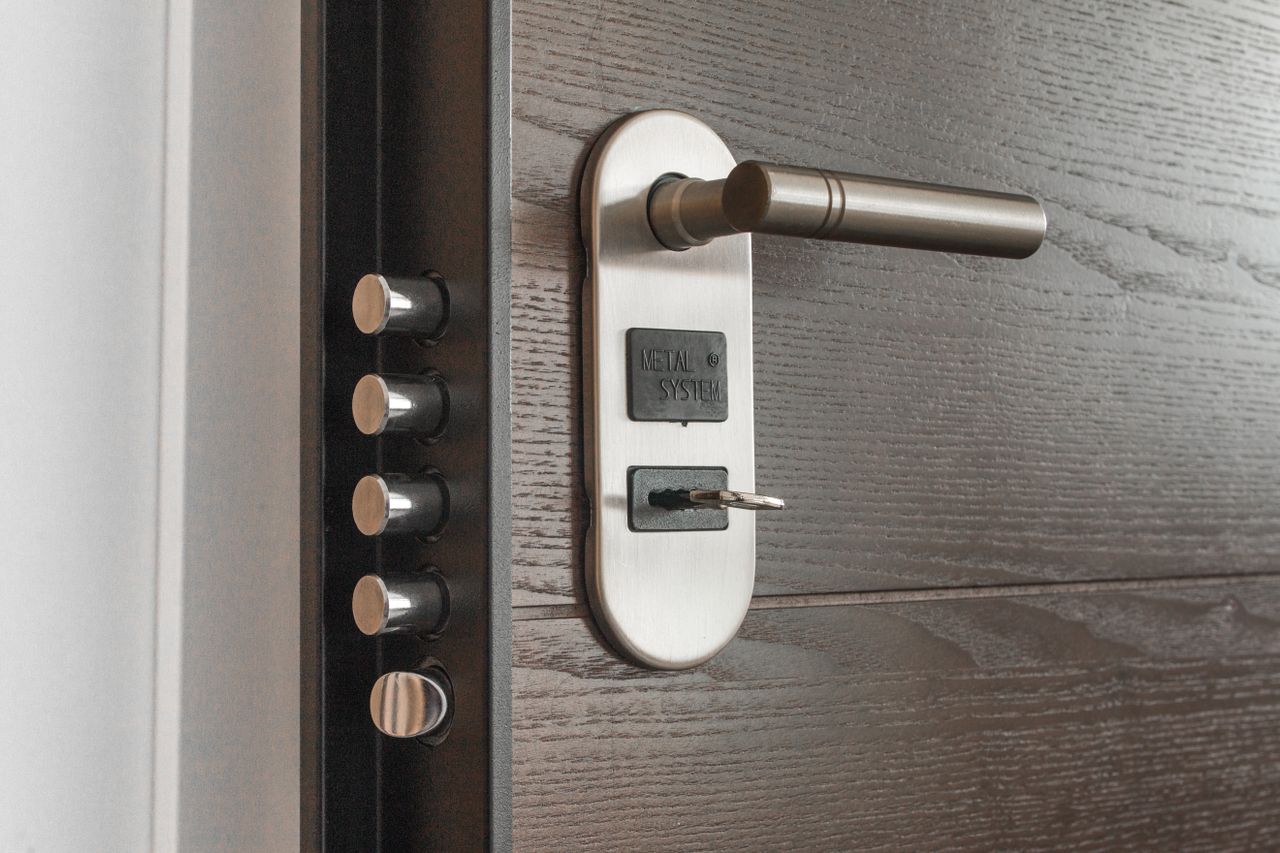
Think of it like your front door. A key (your password) gets you through the first lock. But if there is a second lock that needs a different key (a code from your phone), someone with just the first key is still locked out.
Those two pieces of evidence fall into three categories:
- Something you know (your password)
- Something you have (your phone or hardware key)
- Something you are (your fingerprint or face)

2FA typically combines the first two. This is your password and a temporary code generated by an app on your phone. Even if a hacker steals your password through a phishing email or a data breach, they cannot log in without that second code, which changes every 30 seconds.
How 2FA Works on a Hosting Account
Enabling 2FA on your Heart Internet account adds a straightforward step to your login routine. After entering your email and password, you open your authenticator app (Google Authenticator, Authy or similar) and type in the six-digit code it shows. That is it.
The code is time-sensitive and generated on your device, not sent over the internet. That matters because it means the code cannot be intercepted in transit the way an SMS code can. Your phone and your hosting account are the only two things that need to agree on the number.
Once 2FA is active, you can tick ‘Remember me on this device’ to go 30 days before you are asked for a code again on that computer. You still get the protection, but you do not have to type a code every single time you log in.
If you need a step-by-step walkthrough, Heart Internet has a full guide on how to enable two-factor authentication on your account.
Why Your Hosting Account Needs 2FA More Than Other Accounts
It is easy to think of a hosting account as just another login, but it is not. A compromised hosting account gives an attacker access to your entire online presence. They can deface your website, steal customer data from your database, use your server to send spam, or redirect your domain to a phishing site.
Here is what makes hosting accounts particularly valuable to attackers:
Your hosting login controls your website, email, databases, FTP and domains. Compromise it and everything is exposed. That is why all cPanel hosting plans and Managed WordPress hosting plans from Heart Internet include two-factor authentication as a built-in feature.
Bots scan the internet constantly, trying thousands of username and password combinations against hosting login pages. 2FA blocks these automated brute-force attacks completely because the bot would also need a constantly changing code it cannot generate.
The UK National Cyber Security Centre regularly reports that millions of people still use passwords like ‘123456’ or ‘password’. Even if yours is stronger, data breaches at other services can expose it. 2FA makes a leaked password useless on its own.
If an attacker gains access to your hosting account, they can transfer your domain name away. Getting it back is a lengthy and stressful process. 2FA makes that scenario far less likely.
The Different Types of Two-Factor Authentication
Authenticator apps (TOTP).
Apps like Google Authenticator, Authy and LastPass Authenticator generate time-based codes on your phone. These are the most widely supported method and do not need an internet connection to work. Heart Internet recommends and supports authenticator apps for account 2FA.
SMS codes.
A code sent by text message. While better than no two-factor authentication at all, SMS has known weaknesses. Hackers can trick mobile providers into redirecting your number (SIM swapping) and intercept the code. Authenticator apps are a stronger choice.
Hardware security keys.
Physical devices that you plug into your computer. These are very secure and increasingly popular, though not all hosting platforms support them yet.
Biometrics.
Fingerprint or facial recognition. Common on phones and laptops but rarely used as the second factor for website logins.
For most website owners, an authenticator app is the best balance of security and convenience. They are free, easy to set up and work offline.
Setting Up 2FA on Your Hosting Account
Heart Internet makes enabling two-factor authentication straightforward.
- Log in to your account, head to Contacts and Billing Details.
- Then open the Account Security tab. Toggle Two-Factor Authentication on.
- Scan the QR code with your authenticator app.
- Enter the code it shows, and save your recovery key somewhere safe.
That recovery key is important. If you lose your phone or switch to a new one, the recovery key is the only way back into your account. Write it down and store it somewhere secure, like a password manager.
If you run a Managed WordPress site, you can also enable 2FA on your hosting control panel through the Account Settings section of your WP hosting package.
Common Questions About Two-Factor Authentication (2FA)
Is 2FA difficult to use day to day?
What happens if I lose my phone?
Can 2FA be hacked?
Does two-factor authentication slow down my website?
Beyond 2FA: Other Security Steps Worth Taking
Two-factor authentication is a brilliant starting point, but it works best as part of a wider security approach. Heart Internet customers can also benefit from:
- SSL certificates to encrypt data between your site and your visitors.
- Heart Internet offers SSL certificates from simple domain validation through to extended validation for e-commerce sites.
- Proactive security monitoring, including virus scans and a web application firewall, which are included on cPanel hosting plans.
- Regular backups (daily on Elite and Agency plans) so you can restore your site quickly if something goes wrong.
- Strong, unique passwords for every account, stored in a password manager.
Frequently Asked Questions
What is the difference between 2FA and two-step verification?
Can I use 2FA on someone else's website?
Does Heart Internet charge extra for 2FA?
What authenticator app should I use?
Can I switch off 2FA after enabling it?
Is 2FA the same as multi-factor authentication?
Protect Your Web Hosting Account Today
Two-factor authentication takes five minutes to set up and adds a layer of security that makes a real difference. Your hosting account controls your entire online presence, and a single password is no longer enough to protect it.
If you are a Heart Internet customer, log in to your account, open your security settings, and turn 2FA on today. It is free, it is included with your plan, and it is one of the smartest things you can do for your website’s safety.
Host your website with Heart Internet today and benefit from fantastic security and a free 2FA included in your plan.
Ensure your website is in good hands.