The web moves fast. New tools, tutorials and best practice guides appear every day, and nobody can read them all.
That is why we have rounded up 18 of the best resources for web professionals. Whether you are a web designer, a developer or a small business owner building a website of your own, these picks will help you sharpen your skills, improve your site and work more efficiently.
Here is what we cover:
- Web design tools and inspiration
- Web development resources
- SEO guides and tools
- Social media tools
- Business and marketing reads
- Writing resources for busy professionals
We share links like these on social media too, so keep an eye on our channels to avoid missing out.
Web Design Tools and Inspiration for Website Designers
Great website design starts with good assets and a smooth workflow. These three resources help with both.
1. Freepik
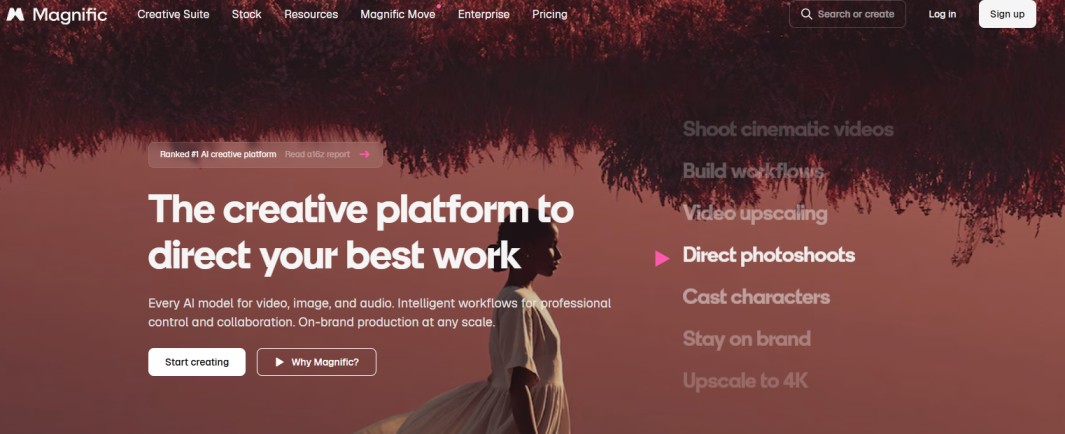
Freepik is a huge library of vectors, photos, PSD files and mockups, all in one place.
You can search by style or file type, which makes it quick to find assets for website design projects.
Best for: web designers who need fresh assets and mockups in a hurry.
Tip: free downloads can come with conditions such as credit to the creator, so always check the licence before using an asset on a client project.
2. Google Fonts
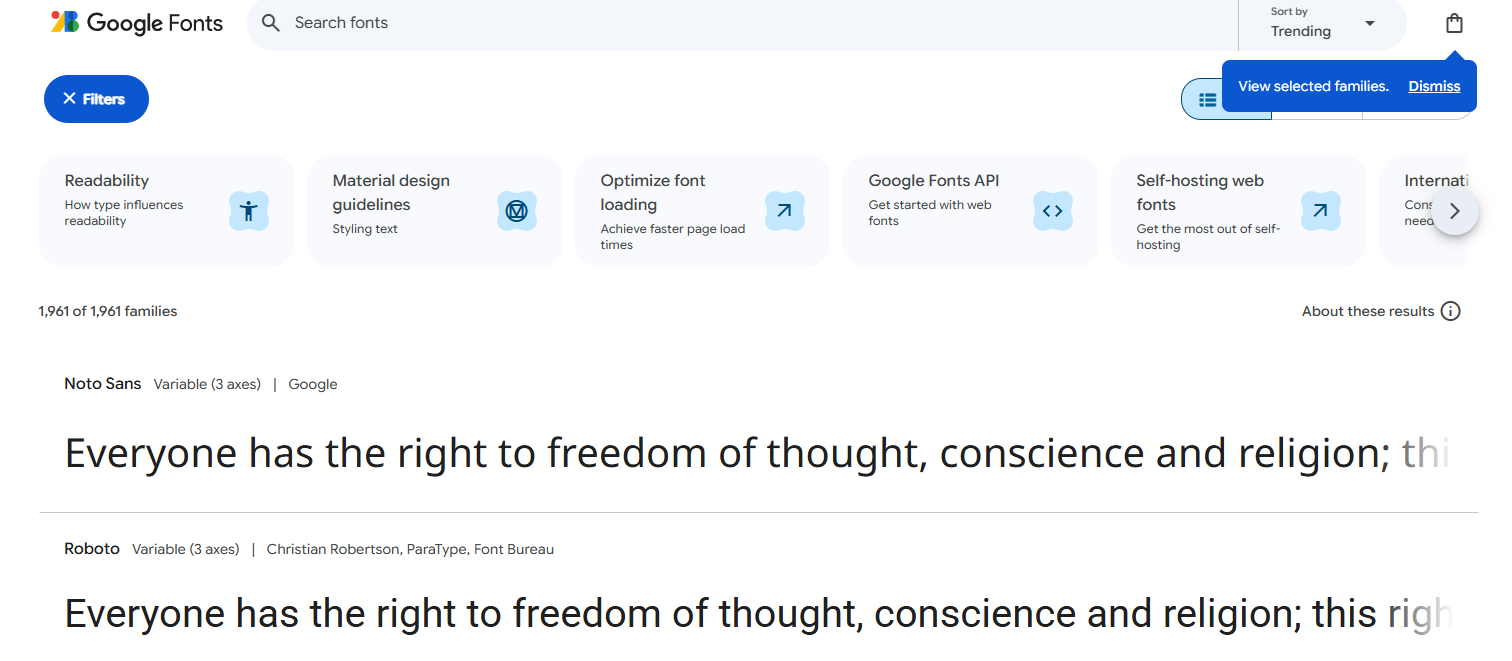
Typography can make or break a website design. Google Fonts is a free library of fonts you can preview, compare and use on your own site.
You can test your own text in each typeface before you commit, which saves time on mockups.
Best for: designers and small business owners who want professional typography without the cost.
Tip: stick to two or three typefaces per site so pages stay fast and the design stays consistent.
3. Photoshop Actions at Vandelay Design

Repetitive image edits eat into your day. Vandelay Design offers a collection of free Photoshop actions that help you transform images faster and more consistently.
Best for: designers and small business owners who edit lots of images and want a consistent look.
Web Development Resources for Building a Website
Whether you are coding from scratch or building a website on WordPress, these web development resources earn a spot in your bookmarks.
4. MDN Web Docs
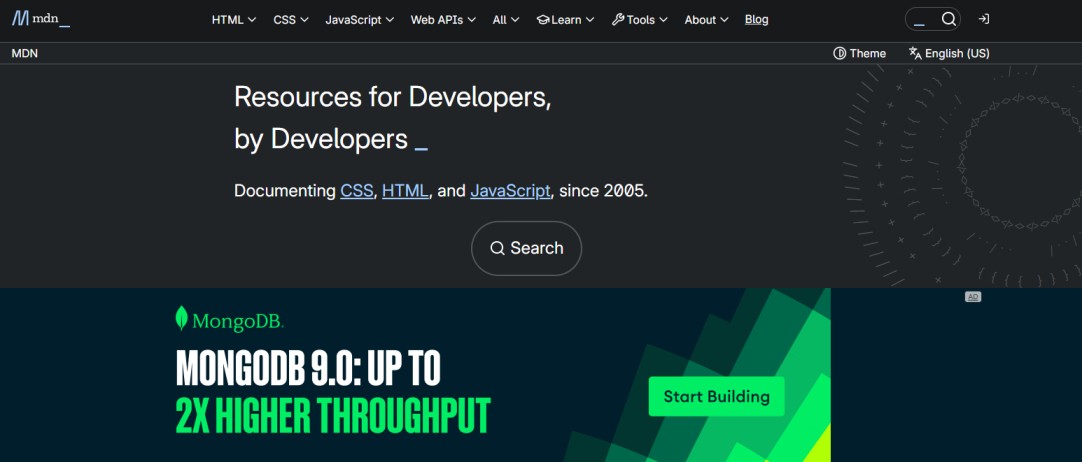
MDN Web Docs is one of the most trusted references for HTML, CSS and JavaScript.
It suits beginners learning the basics and experienced developers checking a detail.
Best for: anyone who writes or edits code for the web.
5. The WordPress Theme Directory
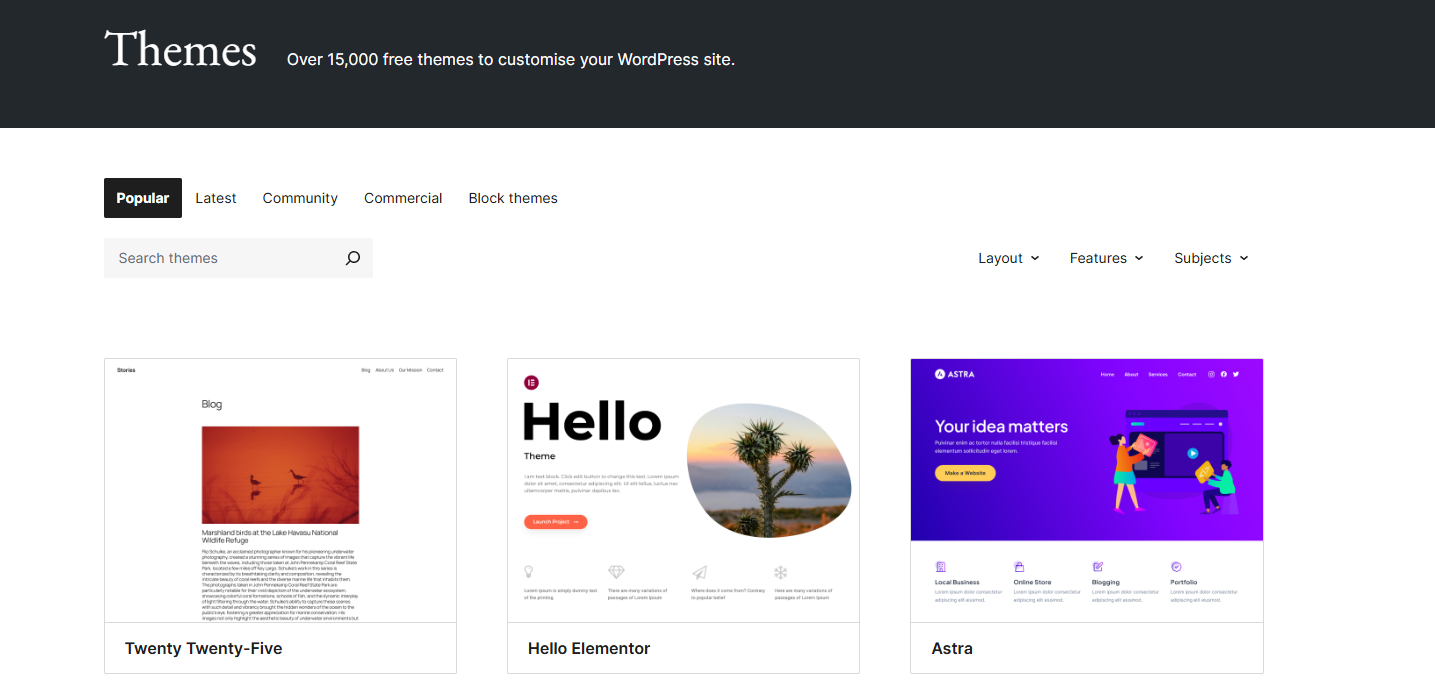
Spending too long hunting for the right WordPress theme? The official WordPress theme directory lets you browse and filter themes by features and layout, so you can compare options at a glance.
Best for: small business owners and designers building a website on WordPress.
Tip: before you commit to a theme, make sure your hosting can handle it. Our guide to business email and website hosting is a good place to start.
6. Smashing Magazine
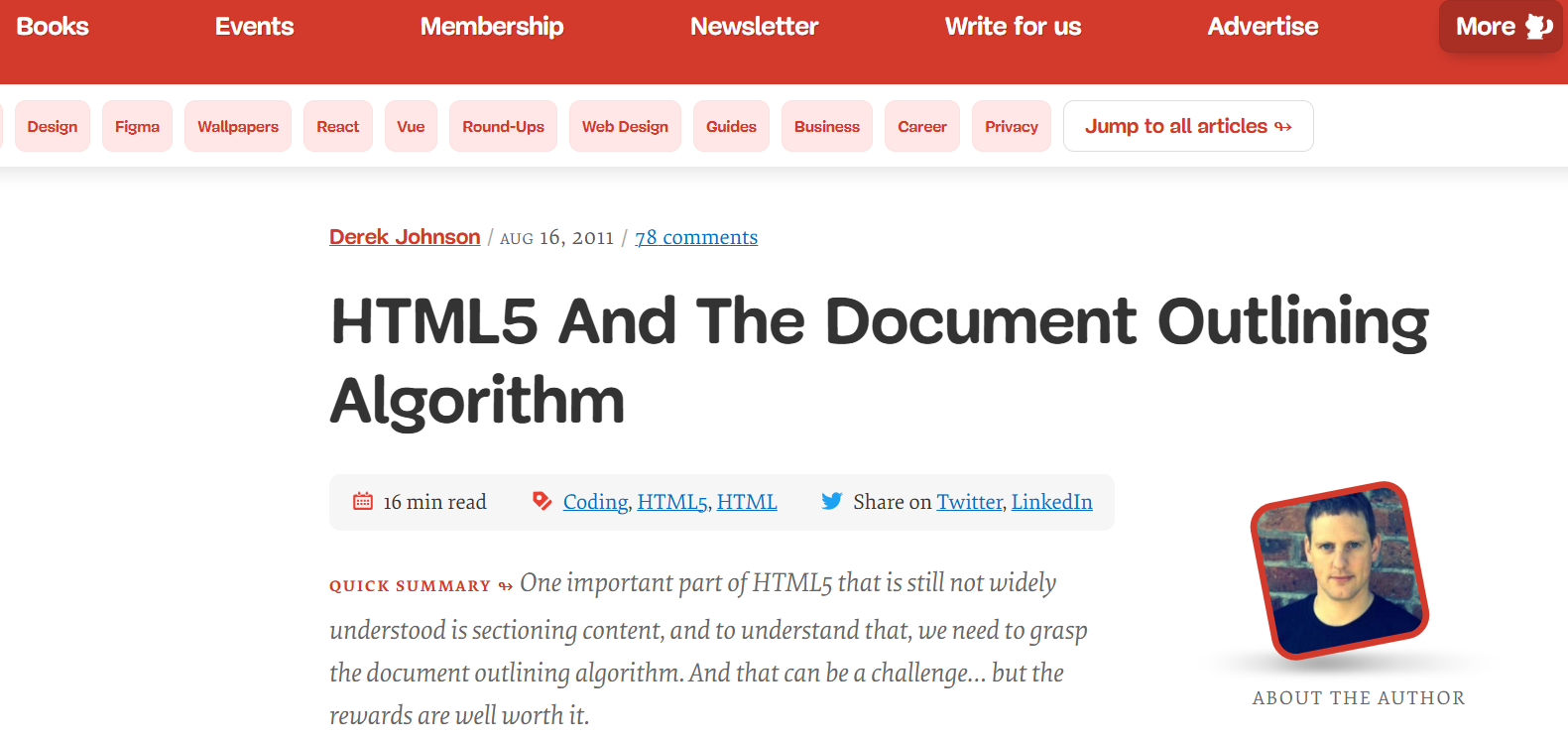
Smashing Magazine is one of the best known web design blogs around. It publishes in depth articles on front end development, UX, accessibility and responsive design.
Best for: web professionals who want to keep learning long after the basics.
SEO Guides and Tools to Help Your Website Rank
Search engine optimisation is a moving target. These three resources help you stay informed and make smarter decisions.
7. Moz: Google Algorithm Update History
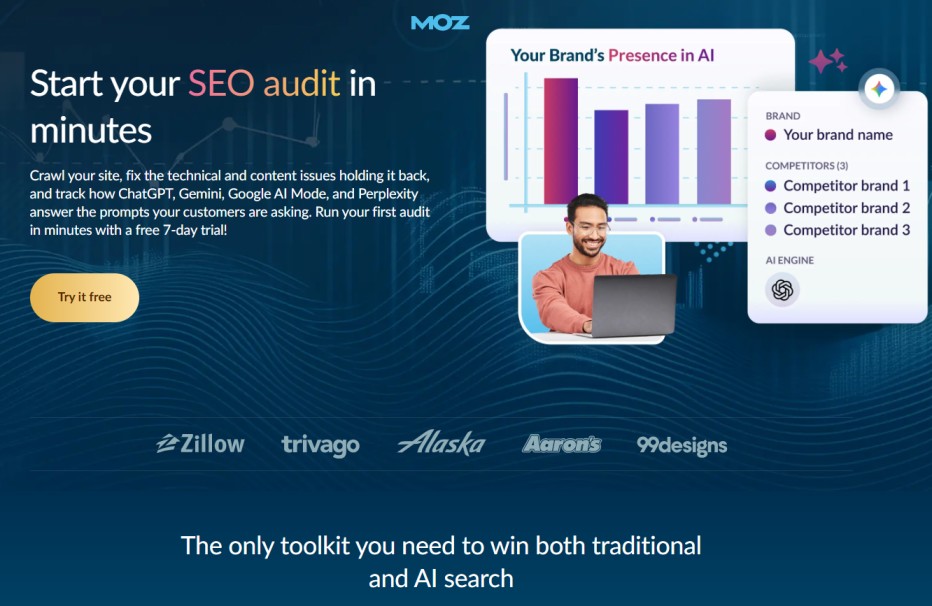
Google changes its algorithm constantly. Moz keeps a long running record of the major updates in its Google algorithm change history.
If a site’s traffic suddenly changes, this is a useful place to check whether an update could be the cause.
Best for: SEO professionals and anyone who wants to understand why rankings shift.
8. Google Search Central
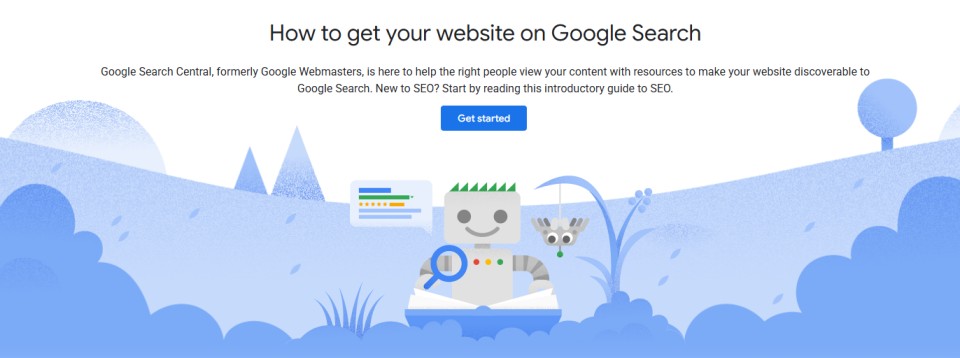
Google Search Central is Google’s own documentation for site owners and developers. It covers crawling, indexing and how to handle issues such as duplicate content.
A classic mistake is using robots.txt to hide duplicate pages. This can cause more problems than it solves, because search engines may still list the URLs and cannot see your instructions on the page. Canonical tags and redirects are usually the better route.
Best for: developers and site owners who want guidance straight from the source.
9. Google Search Console
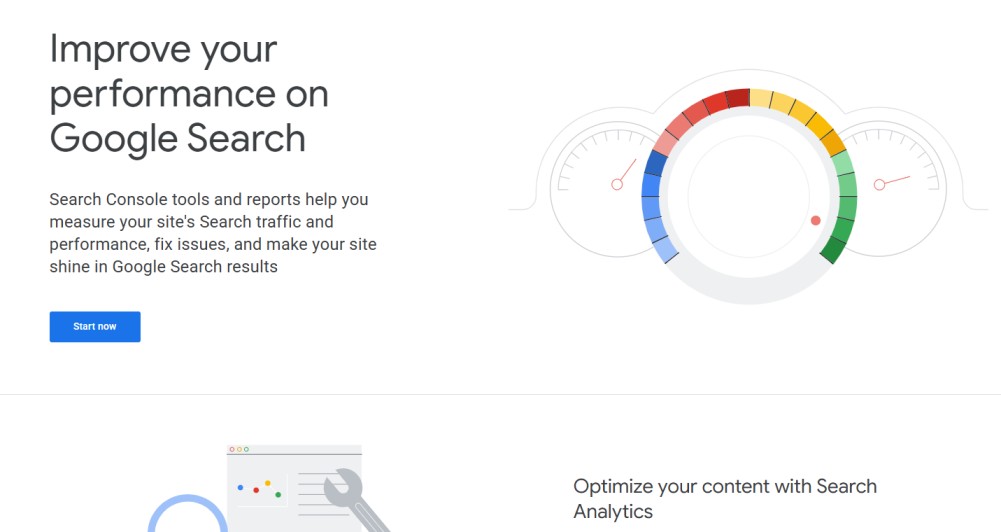
For those who like to make the most of their data, Google Search Console is a free tool that shows how your site performs in search.
You can see which queries bring visitors, which pages are indexed and where technical problems are holding you back.
Best for: anyone who wants to use real data to drive SEO results.
Social Media Tools for Web Professionals
Social platforms change their rules often. These tools help you plan, measure, and create without relying on guesswork.
10. Meta Business Suite
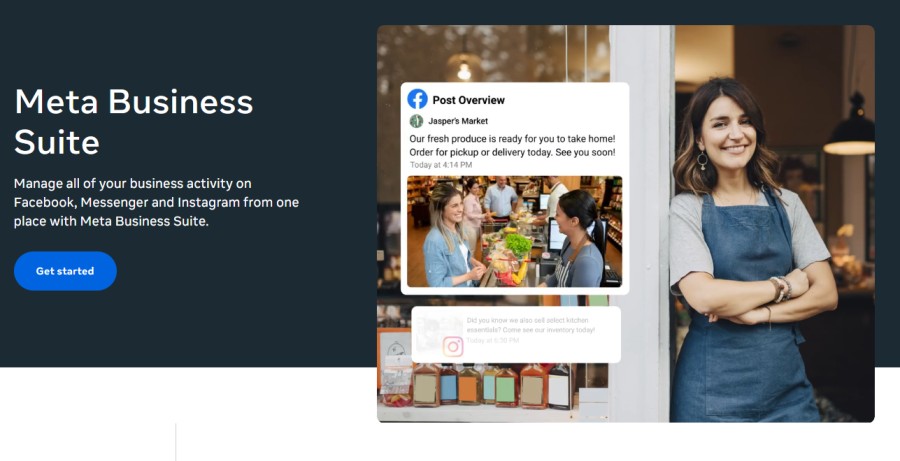
If you run a Facebook or Instagram page, Meta Business Suite brings your posts, messages and insights together in one place.
The platform decides which posts people see, and those rules keep changing. Your insights show what actually works for your audience.
Best for: small businesses managing their own social presence.
11. Buffer
Buffer lets you schedule posts across several platforms and review how they perform.
It is a simple way to see your reach, followers and top performing content without checking every network by hand.
Best for: freelancers and small teams who want consistent posting.
12. Canva
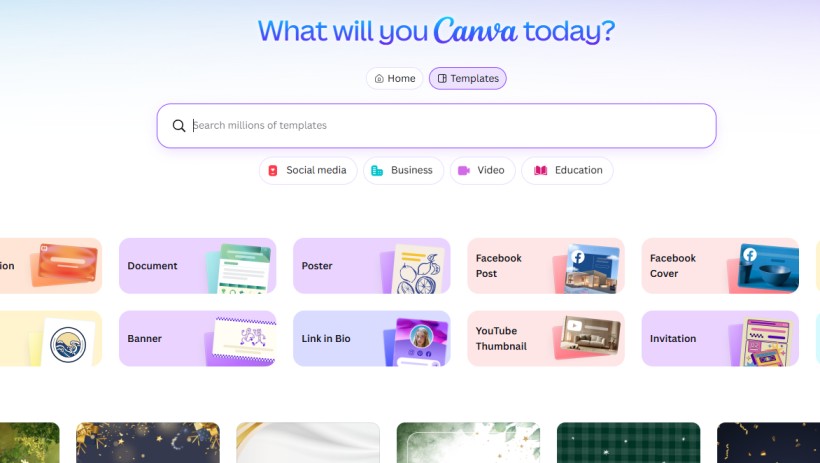
Need a quick graphic for a post or a banner? Canva offers a huge library of templates that make social media design quick and straightforward.
Best for: non designers, and designers who need a fast turnaround.
Business and Marketing Reads for Website Owners
A great website is only part of the picture. These resources help you turn visitors into customers.
13. CXL Blog
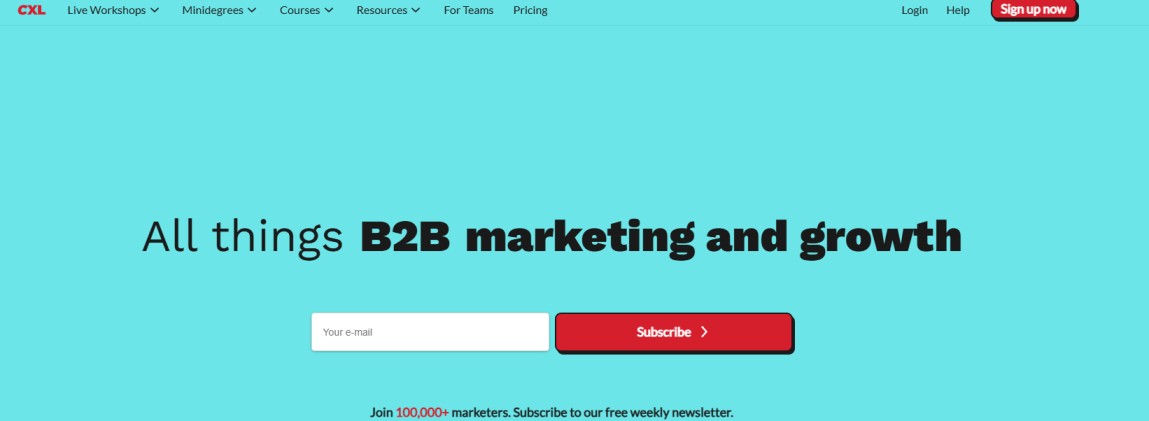
The CXL blog is full of practical advice on landing page optimisation and conversion rates.
It helps you improve your landing pages and your conversion rate together, rather than treating them as separate jobs.
Best for: marketers and site owners who want more from the traffic they already have.
14. Digital Sharecropping by Copyblogger

This thought provoking article on digital sharecropping explains how building your business entirely on platforms you do not control can put it at risk.
The lesson is simple: own your website, your content and your audience.
That starts with the basics. Your own domain name and reliable hosting give you a home that no social network can take away. It is also worth protecting that home with website security.
Best for: business owners and freelancers building a long term online presence.
15. MOO Business Cards
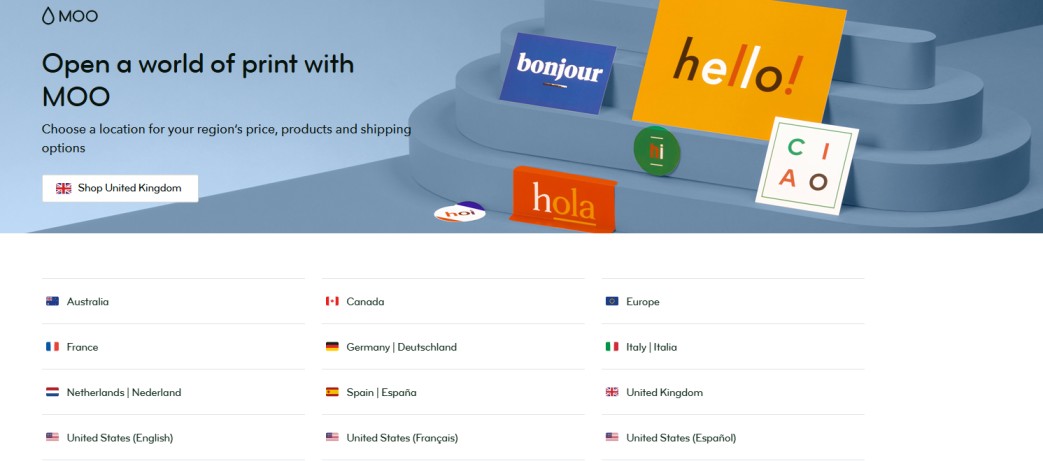
A good business card still helps you stand out in the right way, especially at industry events. MOO offers a wide choice of designs and finishes.
Keep it simple: your name, your role, your website and one clear way to get in touch.
Best for: freelancers and agency owners who meet clients in person.
Writing Resources for Web Professionals
Clear writing improves your website, your emails and your reputation. These resources make it easier.
16. 750 Words
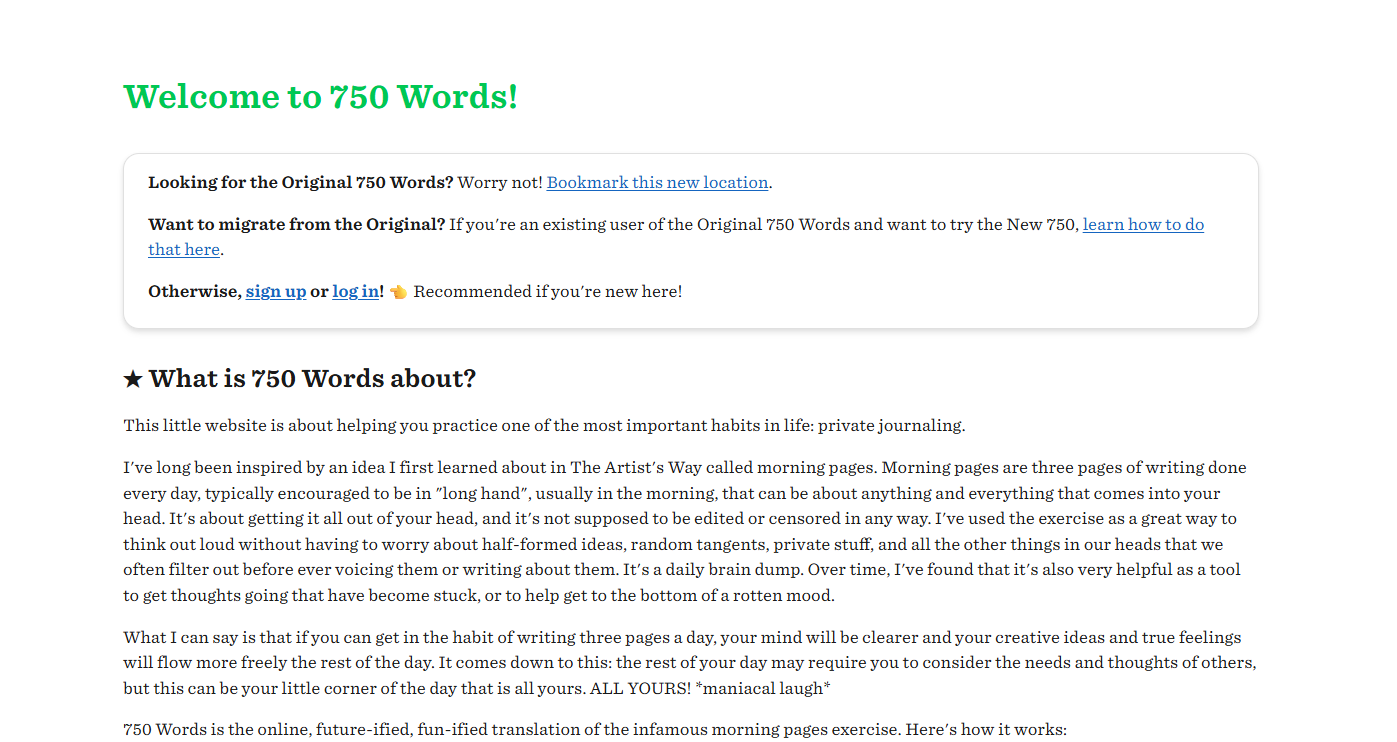
Struggling for inspiration? 750 Words is a website built around a simple habit: write 750 words a day.
There are challenges to try, or you can simply clear your head and get words down.
Best for: anyone who wants to practise and fine tune their writing.
17. Hemingway Editor
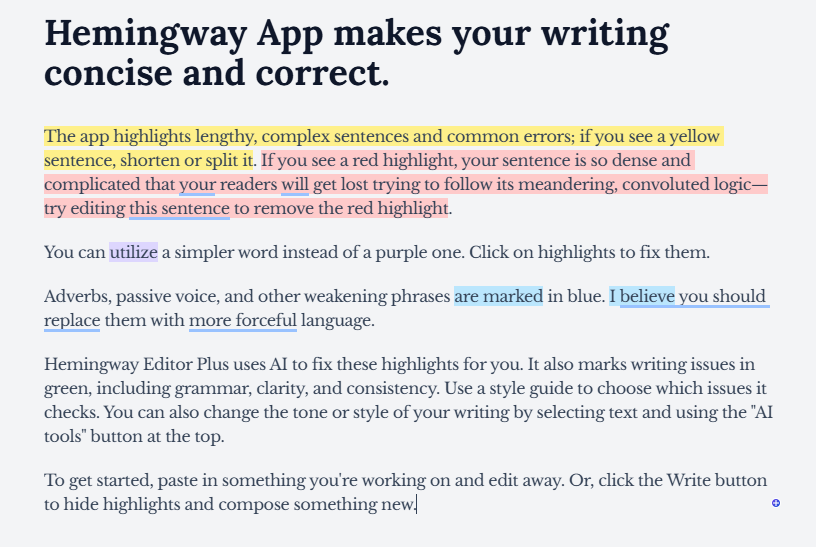
Hemingway Editor highlights long, complicated sentences and other common problems so you can tighten your copy.
Best for: web designers and business owners writing their own website content.
18. How to Work Through Freelance Burnout
Long periods of intensive work can leave you drained. If that sounds familiar, try these steps:
- Schedule proper breaks and stick to them
- Split big projects into smaller, manageable tasks
- Set clear working hours with clients
- Step away from the screen and get some fresh air
Best for: freelancers and anyone juggling several projects at once.
Keep Building Your Web Design and Development Skills
The best web professionals never stop learning. Bookmark the resources that suit you, try a new tool each month, and share your favourites with colleagues.
If you are about to start building a website, begin with the foundations. Search for your perfect domain name with Heart Internet and get your project off to a strong start.