Set up WordPress for the first time
When you add a site to your Basic, Deluxe, Ultimate, or Developer Managed WordPress account, you'll see these options:
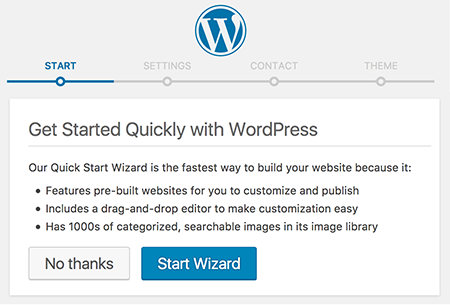
- Click Start Wizard to use our Quick Start Wizard to build your site. We'll ask a couple of questions, gather some info on you and your business, and install a few plugins including Page Builder. And you'll be able to select from 10 professionally designed WordPress themes. Afterwards, you can jump right into editing your site from the WordPress Dashboard.
- Click No thanks to configure the WordPress site on your own, without using the Quick Start Wizard, and without automatically receiving additional plugins like Page Builder. After a confirming message, you'll go to the WordPress Dashboard for the site.